Benefits of PE in Schools
Principals, board members and parents tend to ask the same thing: what are the benefits of physical education, and can you show them?
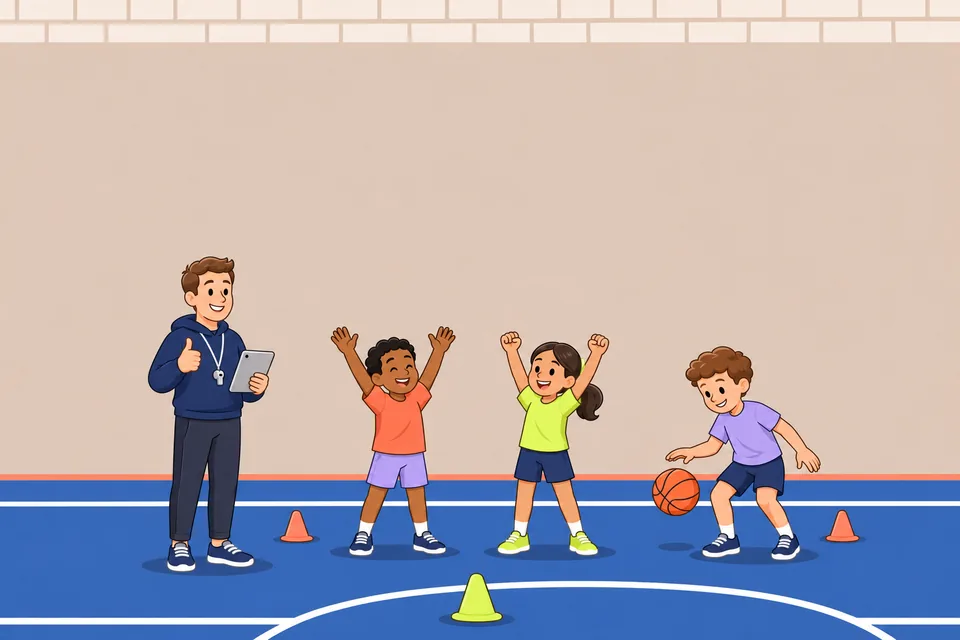
Technology in PE class pays off only when a tool saves or protects more moving time than it takes to set up. Timers, scoreboards and team makers usually need the least setup. Video feedback, heart rate monitors and pedometers add data for feedback and goal setting, but each needs one clear job and student privacy rules your district has approved.
This is for PE teachers with a few shared devices, a district privacy policy and a full gym. It compares timers, video, sensors and team tools by the active time they cost, then covers student data, device rules and how schools pay.
Technology helps when it adds timing, feedback or fairness that you cannot give 30 students by hand, and it hurts when students wait for a device. SHAPE America's 2023 guidance, Appropriate Use of Technology in Physical Education, treats technology as a way to supplement instruction when it is used appropriately, with the National Standards as the goal.
Setup time is the cost to watch. SHAPE America's recommendation is moderate to vigorous physical activity (MVPA) for 50 percent of PE class time, cited in its dodgeball position statement. In a 40-minute period that is 20 minutes. If handing out tablets and logging in takes 8 minutes, 32 minutes remain and 20 of them, or 62.5 percent, must be MVPA. MVPA in PE class shows how to count it.
| Tool type | Best job | Where it costs active time |
|---|---|---|
| Timers and audio cues | Station changes, work and rest rounds | Almost nowhere once started |
| Scoreboards, brackets, team tools | Fair teams, schedules, scores | Little, if run before class |
| Video feedback | One skill, one cue, a second look | A lot, if everyone watches one screen |
| Heart rate monitors | Effort awareness, goal setting | A lot, if fitting and cleaning happen in class |
| Pedometers | Step counts across a class or unit | Little, but they miss low-stepping activity |
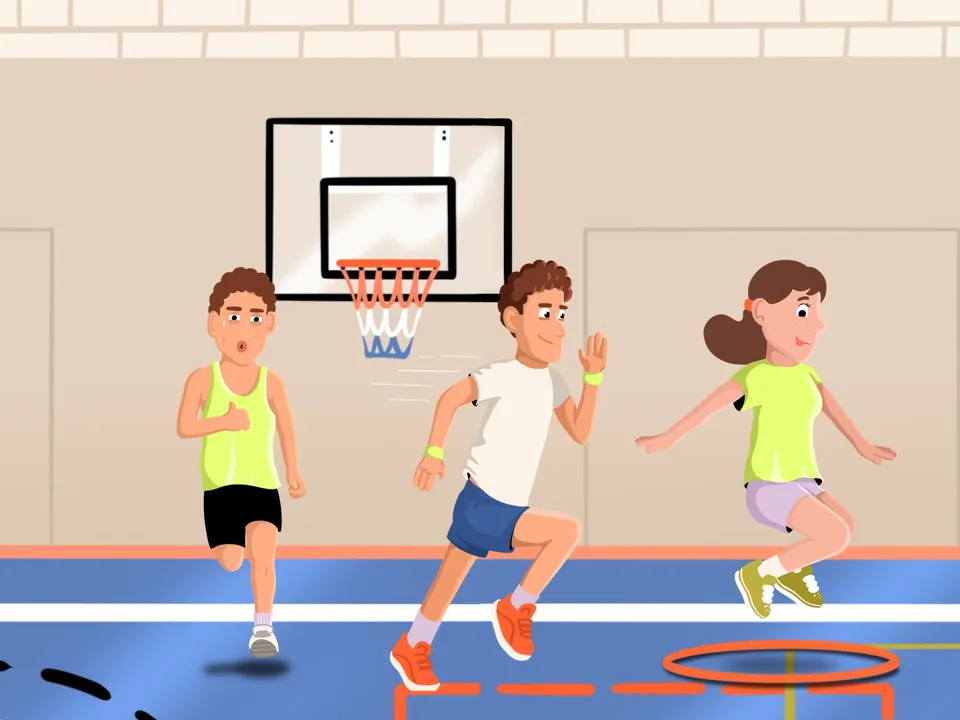
One visible timer and one audio signal let you stop watching the clock and start watching technique. Teach the signal before the first round: a whistle or tone means stop, put the equipment down and walk to the next station. Run one dry round with equipment down so students learn the route. Place the device where the farthest station can see it and set the volume above the gym noise.
The Gym Tools in the PhysEdPrep app cover three timing jobs. The Countdown Timer offers “Quick picks for 1, 3, 5, 10 or 15 minutes, or set your own time, with a whistle at the end.” The Differentiated Phase Timer lets you “Name every phase and give it its own time. Repeat the sequence for as many rounds as you need.” The Structured Interval Timer runs “Equal rounds of work and rest, with prep time and a progress ring,” which fits fitness circuits.
More on rotation routes and signals: timers for PE stations.
Put one tablet on a stand at one station, record each student for a few seconds, and let the student watch the clip once before the next attempt. A four-station skill rotation shows how this fits into a class: the teacher stands in the center with the timer, three stations run without a screen, and the fourth is the video station. Students rotate in the order shown.
The stations are wall passing, a cone drill, target toss and the video station, with the teacher and timer in the center. At the video station:
Keep the stand out of throwing lanes, landing areas and walking paths. Skills with a landing, such as tumbling or vaulting, need mats and a spotter where the activity calls for one. Start the recording before the attempt, so nobody holds a device while spotting. With younger students, you run the device.
Heart rate monitors show how hard a student works and pedometers show how much a student moves, which are numbers you cannot read from across the gym. A tag variation can look busy while half the class stands in line, and heart rate or step counts reveal it. With sensors you check MVPA instead of guessing it.
Personal effort goals work like tiered tasks: each student aims at a target that fits their fitness, not the class average. 10 ways to differentiate in PE covers more ways to set tiered goals.
Students with heart conditions, asthma or other health plans follow their care plan or IEP/504 team, not a target zone. Building an Adaptive PE Curriculum covers planning with those teams. Wipe straps and sensors between classes as the maker instructs.
Team and bracket tools save the most setup time because you run them before students reach the gym floor, and a scoreboard takes point-keeping off your hands. The Team Creator makes “Fair teams in one tap: random, balanced by skill or split by gender, from your saved class rosters.” Balanced teams are only as good as your skill ratings, so rate privately and never announce who is high or low. The Tournament Planner builds “Round-robin schedules for 2 to 10 teams on up to 4 courts, generated in one tap.” The Scoreboard & Game Counter shows “Points and game time for two teams, big enough to read across the gym.”
The math shows why a planner helps. With 6 teams, every team plays 5 games, which is 15 games in total (6 × 5 ÷ 2). On 3 courts all six teams play at once, so the tournament takes 5 rounds. With 7 teams, one team sits out each round, and the schedule grows to 21 games over 7 rounds. A separate guide covers the scoreboard and game counter app.
Check your district's student data policy before you save rosters, record video or collect heart rate data. The Family Educational Rights and Privacy Act (FERPA) gives parents rights over education records and some control over the disclosure of personally identifiable information from them. Those rights pass to the student at 18 or on entering a postsecondary institution. Many districts keep an approved-apps list, so ask your technology staff which tools are cleared and whether video of students needs a signed release.
| Mistake | Cause | Fix |
|---|---|---|
| The class stands around one tablet | One device for the whole group | Only the pair at the video station uses it; everyone else keeps practicing |
| Eight minutes lost handing out devices | No routine | Charge and stage devices before class, one at each station that uses one |
| Heart rate becomes a grade | Numbers look objective | Grade the goal and the reflection, not the reading |
| Full class lists saved without a check | Convenience | Ask technology staff before any roster goes into an app |
| Tablet cracked on the floor | No stand | Use a stand or wall mount outside walking paths |
PE technology is usually bought from a building or district budget through a purchase order (PO), and some districts also use federal Title IV funds, so the first step is asking who approves device and software purchases. Whether Title IV covers a specific app or device depends on your district's plan. Using Title IV funds and school purchase orders for PE apps lists what to ask the person who manages the funds. This is general information, not advice for your district's case.
PhysEdPrep memberships are bought in the app for iOS & Android; see current prices in the app. The yearly plan starts with a 7-day free trial. The School & District License is a custom quote for PE departments, principals and districts. Purchase orders are accepted, tax forms are available on request, and your school gets one invoice. Ask for a quote at support@physedprep.com. Before any purchase, try the 3 free units, which need no account.
Technology helps most with timing, feedback and fairness: faster station changes, clear work and rest rounds, effort data from heart rate or step counts, a second look at technique on video, and fair teams and schedules without hand math. A benefit only counts if students are not waiting on a device to get it.
Five groups come up most: timers and audio cues, video feedback, heart rate monitors and pedometers, scoreboard and team tools, and motion-controlled games or VR. Judge each in your own gym with two measures: moderate to vigorous minutes from heart rate readings (step counts give a rougher check), and how many students received a usable cue. Keep a tool only if both hold or improve.
Only as a supplement, and only when students move at moderate to vigorous intensity. Motion-controlled games and VR need screens, space and budget, and the movement they produce depends on the game, so check it with heart rate or step counts first. Follow the maker's age limits and keep clear space around every student.
Only if your school's device policy allows it, and school-owned devices are the safer default. Personal phones raise questions about who owns video of students, where clips are stored and whether every student has a device. If the policy allows phones, use them for timing or for recording a partner, and delete clips at the end of the lesson.
Use clips and activity data as evidence of progress against a skill cue or a personal goal, not as a score. A before-and-after video of the same skill, a written reflection on two heart rate readings, or a step-count goal across a unit all work. Grade progress toward the cue or goal and the student's reflection, because readings vary with each student's fitness, health and device.
Start with one timer that gives an audio signal, because it needs almost no setup and buys back transition time from the first class. Once students follow the signal without reminders, add one tool with a single job, such as a video station for one skill cue. Add heart rate monitors last, after your district has cleared how their data is stored.
Principals, board members and parents tend to ask the same thing: what are the benefits of physical education, and can you show them?
Some students in your class have played a sport for years, and others are touching it for the first time.
This guide is for student teachers in a K–12 PE placement who want specifics: what to ask, which routines to copy, how to set a stop…
Get the app for iOS & Android and try the 3 free units without an account. The yearly plan starts with a 7-day free trial; see current prices in the app.
App for iPhone, iPad and Android.